Grand Theft Auto III changed gaming forever when it arrived in 2001, and now GTA 3 mobile lets you carry that landmark open-world experience in your pocket. Whether you are a veteran returning to Liberty City or a newcomer curious about where the modern open-world genre began, this guide covers everything you need to know about Grand Theft Auto III on Android and iOS.
What Is GTA 3 Mobile?
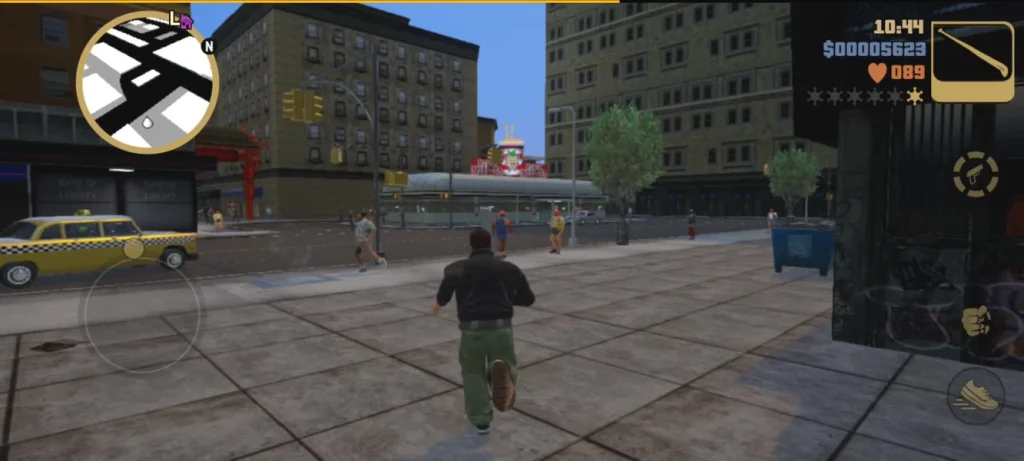
GTA 3 mobile is the smartphone and tablet version of Rockstar Games’ groundbreaking third-person action title. It was released as the 10th Anniversary Edition for iOS and Android, bringing the full single-player campaign to touchscreens. You play as Claude, a silent protagonist betrayed and left for dead after a bank robbery, who fights his way through the criminal underworld of Liberty City.
The mobile release keeps the original story, missions, radio stations and city layout, while updating visuals, textures and lighting so the game looks sharper on modern displays.
Key Features of GTA 3 Mobile
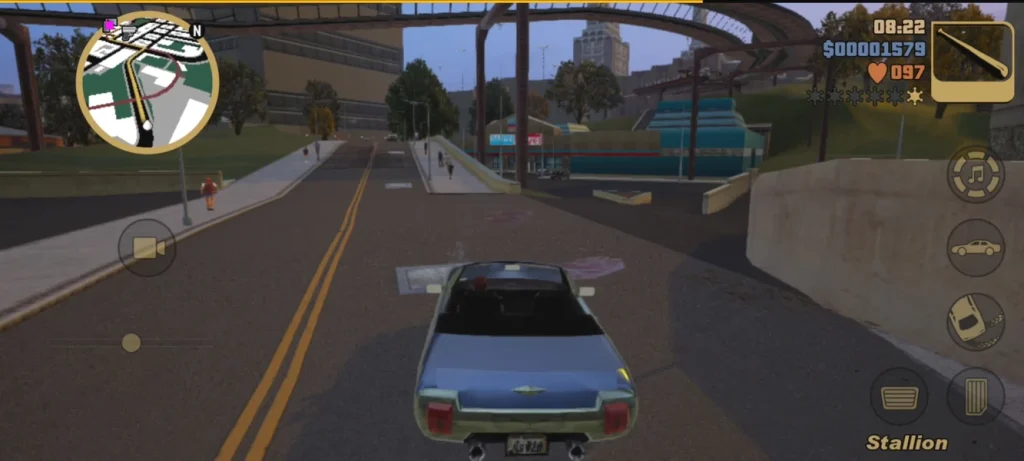
The mobile version delivers far more than a simple port. Here are the features players love most:
- Full open-world Liberty City: Explore three islands packed with missions, side activities and hidden secrets.
- Complete story campaign: Follow the original storyline with all of its memorable characters and twists.
- Enhanced graphics: Improved textures, character models and lighting suit high-resolution phone screens.
- Customizable touch controls: Adjust the on-screen layout to fit your hands and playing style.
- Controller support: Many devices let you connect a compatible gamepad for a console-like feel.
- Cloud and social features: Progress can be backed up so you do not lose your saved game.
GTA 3 Mobile Controls Explained
Controls are the biggest concern for anyone trying a console classic on a touchscreen. On foot, a virtual joystick on the left handles movement while buttons on the right handle attacking, jumping and entering vehicles. When driving, you get steering, acceleration and braking buttons, plus a handbrake and horn.
The best advice is to spend a few minutes in the settings menu. Resize buttons, move them away from your thumbs’ natural resting position and switch between control schemes until driving and shooting feel comfortable. If you own a Bluetooth controller, pairing it is the quickest route to precise aiming.
Device Requirements and Storage
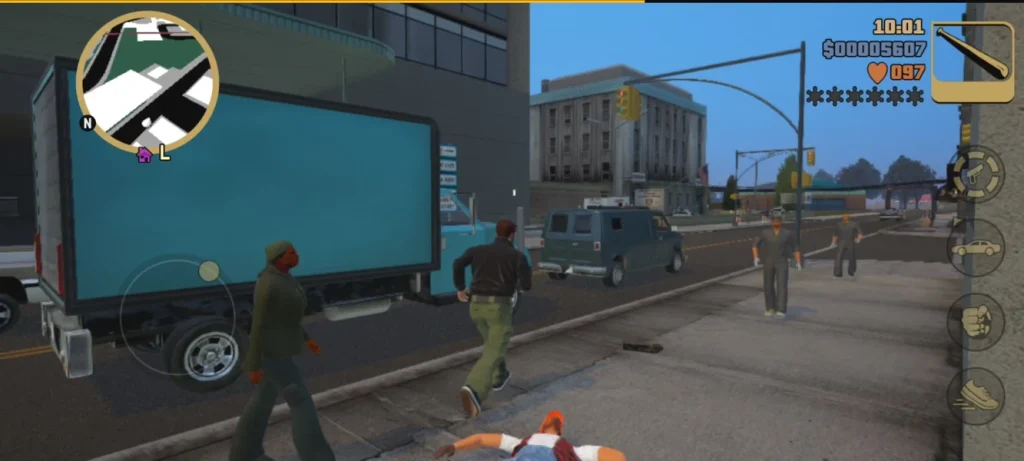
GTA 3 mobile runs on a wide range of modern smartphones and tablets, but it still needs a reasonable amount of free storage because of its high-quality assets. Before downloading, make sure you have enough space for the game and its additional data files. A device with a decent processor and at least a few gigabytes of RAM will give the smoothest frame rate. If you see stuttering, lower the graphics settings, close background apps and keep your device cool during long sessions.
Top Tips for Beginners
Save often. Use safehouses to save your progress before attempting difficult missions.
Learn the map. Liberty City is large, and knowing the shortcuts between Portland, Staunton Island and Shoreside Vale saves valuable time.
Collect armor and health. Hidden pickups around the city are lifesavers during police chases and gang fights.
Try side missions. Taxi, ambulance, firefighter and vigilante jobs earn bonuses and unlock useful rewards.
Listen to the radio. The in-game stations are part of the experience, with humorous talk shows and a strong atmosphere that makes driving around the city a joy.
Why GTA 3 Mobile Still Matters
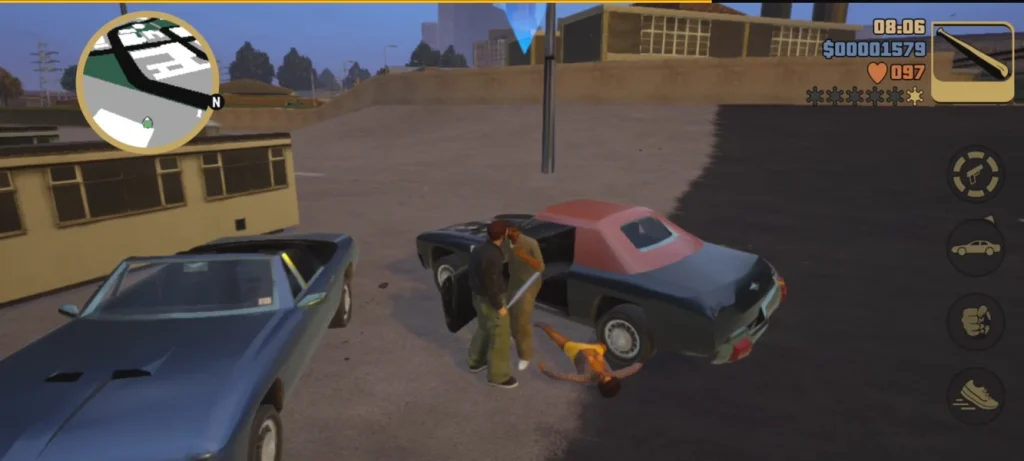
More than two decades after its original launch, Grand Theft Auto III remains influential. It introduced a fully 3D living city where players could choose their own path, a formula that shaped countless later games. On mobile, that freedom becomes portable: you can complete a mission on your commute, explore the streets during a break or replay your favorite scenes before bed.
The nostalgia factor is strong, but the game also holds up as pure entertainment. Its tight story structure, sharp humor and varied missions make it easy to pick up and hard to put down.
Is GTA 3 Mobile Worth Downloading?
For fans of open-world action, the answer is a confident yes. You get a legendary campaign, a huge playable city and flexible controls at a modest price compared with modern premium titles. While touch controls take some getting used to, the customization options and controller support make the experience enjoyable for almost everyone.
Final Thoughts
GTA 3 mobile proves that great game design never goes out of date. If you want to experience the origins of the modern open-world genre, download Grand Theft Auto III on your Android or iOS device, adjust your controls and step into Liberty City. Your criminal career is waiting.